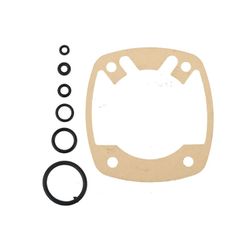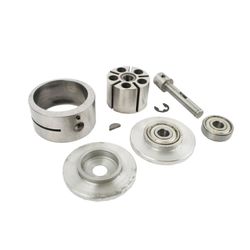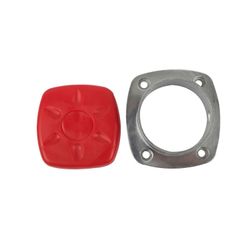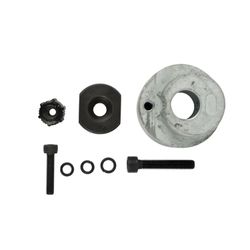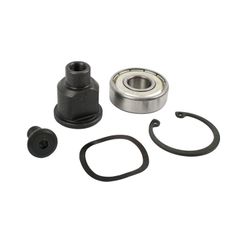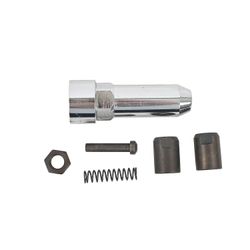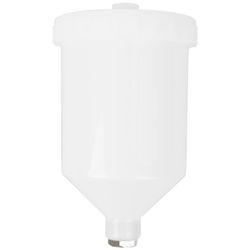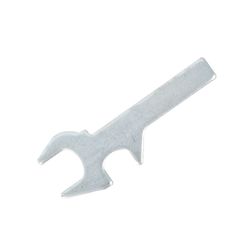

































- Stock: In Stock
- Brand: AIRCRAFT
- Model: AT0010-SK11
- Weight: 0.10kg
- Dimensions: 162.00cm x 148.00cm x 148.00cm
- SKU: AT0010-SK11
- UPC: 6009515849474
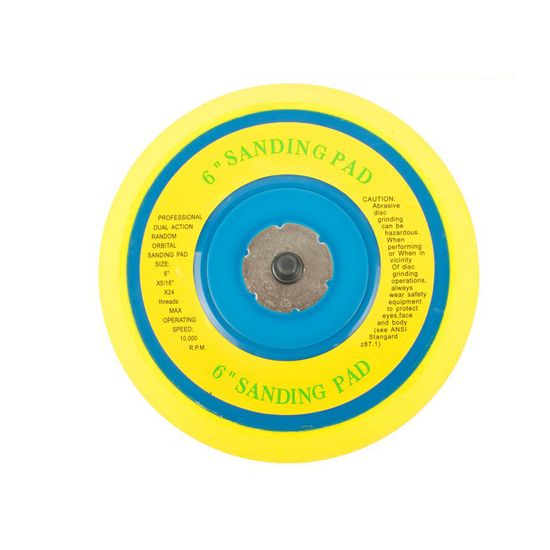
AirCraft AT0010 Air Sander Service Kit Sanding Pad (47) For Air Sander Model AT0010
At a Glance: 6' sanding pad replacement with 5/16'-24 threaded mount, rated up to 10,000 RPM for the AirCraft AT0010.
A fresh sanding pad is the quickest way to get your finish quality back on track. The AirCraft AT0010-SK11 service kit supplies the sanding pad referenced as 47 on the AT0010 parts diagram. It’s designed for the AirCraft AT0010 dual-action/random orbital sanding setup, helping keep discs running true, reducing chatter, and improving control—especially when your current pad is worn, uneven, or no longer holding discs properly.
Unlimited Blocks, Tabs or Accordions with any HTML content can be assigned to any individual product or to certain groups of products, like entire categories, brands, products with specific options, attributes, price range, etc. You can indicate any criteria via the advanced product assignment mechanism and only those products matching your criteria will display the modules.
Also, any module can be selectively activated per device (desktop/tablet/phone), customer login status and other criteria. Imagine the possibilities.
Features
- AT0010-specific fitment Made to suit Air Sander Model AT0010 as the sanding pad at reference position 47.
- 6' pad size Matches common 6-inch sanding discs for broad, even coverage.
- Threaded mounting 5/16'-24 thread for secure attachment and reliable centring.
- High-speed capability Rated for up to 10,000 RPM to suit typical DA/random orbital sanding use.
Benefits
- Improves finish consistency A flat, true pad helps reduce swirls and uneven scratch patterns.
- Better control and tracking Helps keep the disc stable, reducing wobble and vibration.
- Protects your tool Replacing a damaged pad can reduce stress on bearings and orbit components.
- Faster, cleaner work A properly performing pad helps abrasives cut evenly and predictably.
Extra Information
- Confirm fitment using the AT0010 exploded parts diagram for reference position 47.
- Replace the pad if you notice wobble, uneven sanding, excessive vibration, or poor disc seating/holding.
- Keep discs aligned and avoid running damaged or out-of-round abrasives, as this can shorten pad life.
Pro Tip
- When fitting a new pad, clean the mounting threads and tighten securely—then test-run briefly to confirm the pad runs true before sanding your workpiece.
Safety
- Wear eye, ear and dust protection when sanding and when test-running pneumatic tools.
- Disconnect the air supply and release all pressure before changing the sanding pad.
- Do not exceed the maximum operating speed and never use damaged discs or pads.
- Hold the tool securely and test-run at low load after installation to ensure the pad runs true.